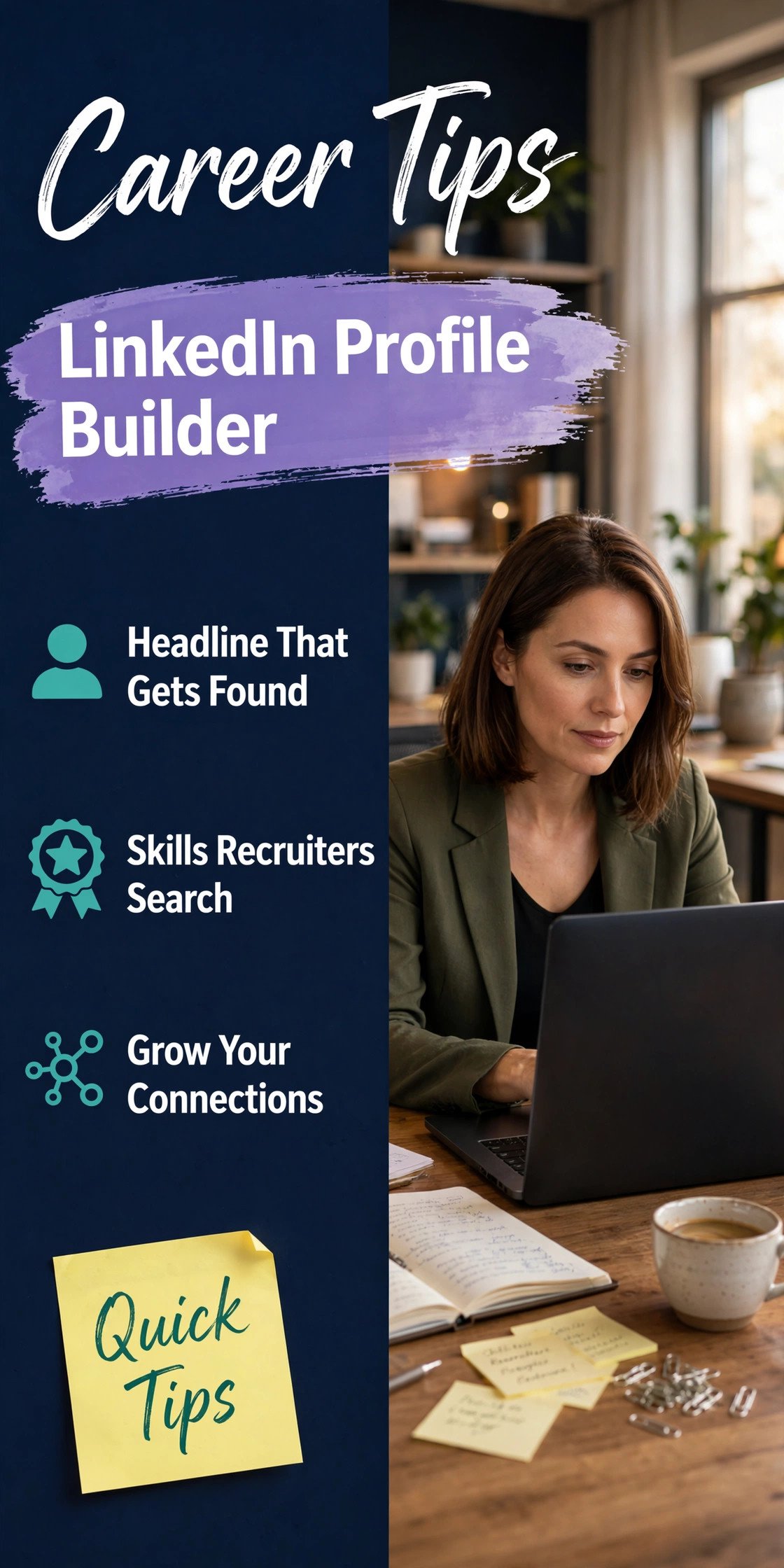
A linkedin profile builder can turn a blank LinkedIn page into a recruiter magnet in under an hour — if you use it wisely. Pakistani recruiters increasingly search LinkedIn before shortlisting, and a half-empty profile tells them you are not serious. This guide covers the best free linkedin profile builder tools, the exact sections to optimise, and the mistakes that keep good candidates invisible.
What Is a LinkedIn Profile Builder?
A linkedin profile builder is any tool or guided workflow that helps you create and optimise your LinkedIn profile step by step — suggesting headlines, rewriting summaries, recommending skills, and checking completeness. Options range from LinkedIn's own built-in profile-strength meter to third-party AI resume and profile tools. They save time, but the best results come from combining a builder's structure with your own authentic details.
Best Free LinkedIn Profile Builder Tools
- LinkedIn's own guided setup — the profile completion meter and "Add profile section" prompts are free and surprisingly effective for beginners.
- AI writing assistants — tools like ChatGPT or Claude can draft your About section and headline from your CV; always edit the output in your own voice.
- Headline generators — free online tools suggest headline formulas based on your role; pick one and customise it.
- Profile graders — free checkers score your profile completeness and flag missing sections.
- Canva — for designing a professional banner image that makes your profile visually distinctive.
Whichever linkedin profile builder you use, never publish AI-generated text verbatim — recruiters recognise generic wording, and authenticity is what gets you contacted.
Step 1: The Photo and Banner
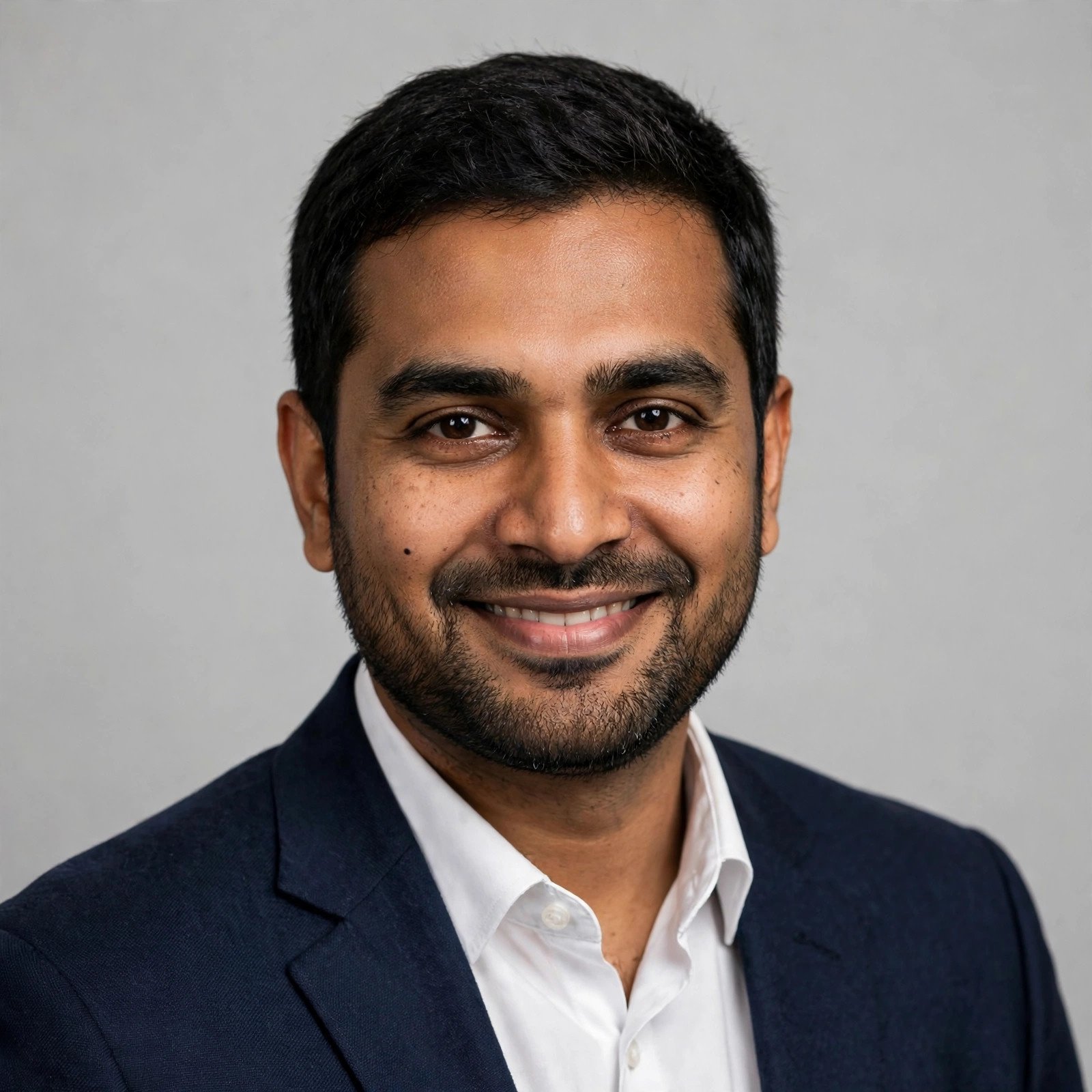
Profiles with professional photos get dramatically more views. Use a clear headshot: plain background, professional dress, friendly expression — the same standards as a CV picture. Then design a simple banner (1584 × 396 pixels) in Canva showing your profession or value proposition, such as "Digital Marketer | Helping Brands Grow in Pakistan". A custom banner instantly separates you from the default blue background crowd.
Step 2: Write a Headline That Sells
Your headline is the most valuable 220 characters on LinkedIn — it appears in every search result and comment you make. A good linkedin profile builder will suggest formulas, but the winning structure is: Role | Speciality | Value. Compare "Student at Punjab University" with "BS Computer Science Graduate | Python & Data Analysis | Open to Data Analyst Roles". The second gets found; the first gets ignored. Include keywords recruiters search for: your target job titles, key skills, and tools.
Step 3: Craft an About Section That Tells Your Story
Write in the first person, 3–5 short paragraphs: who you are, what you do best (with 2–3 concrete achievements and numbers), what you are looking for, and a call to action with contact details. Example: "I am a digital marketer with 3 years of experience managing social media for e-commerce brands in Lahore. I grew one client's Instagram from 5,000 to 40,000 followers in eight months..." End with "Open to marketing roles in Lahore or remote — message me here or at yourname@email.com."
Step 4: Experience, Skills, and Recommendations
List every role with 2–4 bullet points focused on achievements, not duties. Add all relevant skills — LinkedIn allows up to 100, and skills drive search visibility. Pin your top three. Then ask former managers, teachers, or clients for recommendations; even two short ones massively boost credibility. For Pakistani job seekers, recommendations from known local companies carry real weight with recruiters.
Step 5: Stay Active and Visible
A linkedin profile builder gets you set up, but activity gets you noticed. Post or comment 2–3 times a week: share an insight from your field, congratulate connections, or write a short post about something you learned. Follow companies you want to work for and engage with their posts. Recruiters notice active candidates — and LinkedIn's algorithm shows active profiles to more people.
Common LinkedIn Mistakes in Pakistan
- Leaving the profile half-empty — an empty profile is worse than no profile.
- Unprofessional photos — selfies and wedding pictures belong elsewhere.
- Keyword-free headlines — "Seeking opportunities" is invisible to recruiter searches.
- Copy-pasted AI text — generic About sections all sound the same; personalise.
- Ignoring the Open to Work frame — enable it (visible to recruiters only, if you prefer discretion).
- No location set — recruiters filter by city; set yours to Lahore, Karachi, Islamabad, or wherever you are.
Final Checklist
Run through this before you call your profile done: professional photo and custom banner? Keyword-rich headline under 220 characters? First-person About section with achievements and contact details? Complete experience with bullet points? 15+ relevant skills with top three pinned? At least two recommendations? Location set and Open to Work enabled? If yes, your linkedin profile builder journey is complete — and your profile is now working for you around the clock, getting found by the recruiters who matter.

Comments (0)
Leave a Comment